
Installation
MSI file
You can run an installer to install Cloud Connector Plus
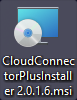
Installation wizard
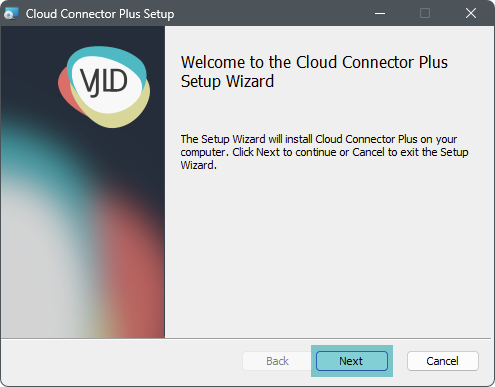
First you will see the wizard welcome window, press "Next" to continue
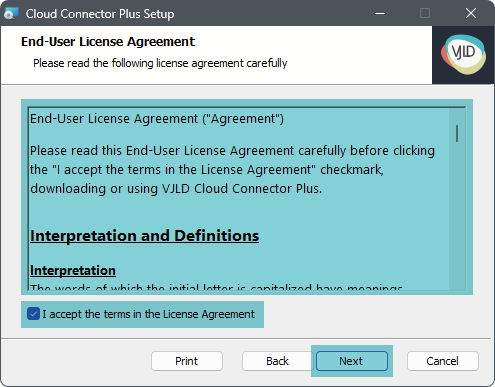
Read carefully the end user agreement and accept it to continue
Keep default installation path or customize it

Now you are ready to install Cloud Connector Plus

Installation is complete

Installer automatically placing a shortcut on desktop to the backend

Service
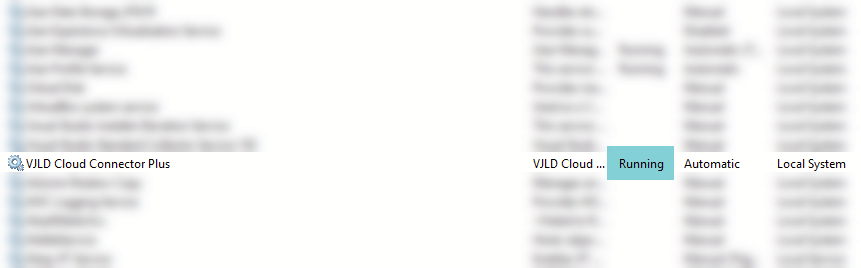
Verify that the service is running
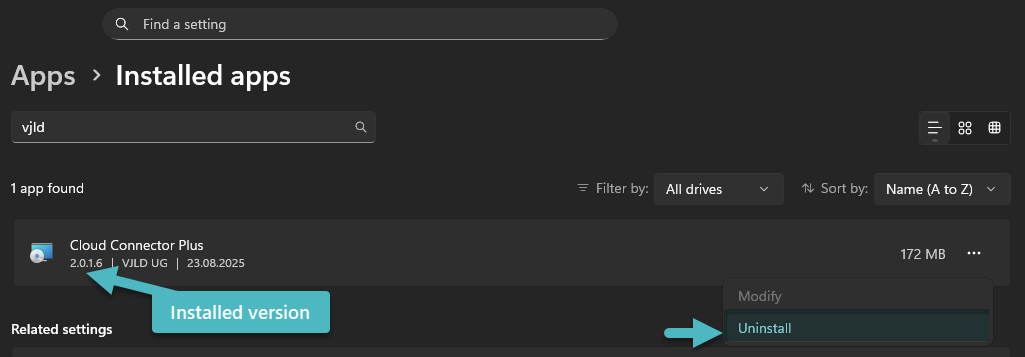
Uninstall
You can uninstall Cloud Connector Plus at any time
No comments to display
No comments to display