Installation
Installation
MSI file
You can run an installer to install Cloud Connector Plus
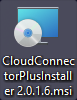
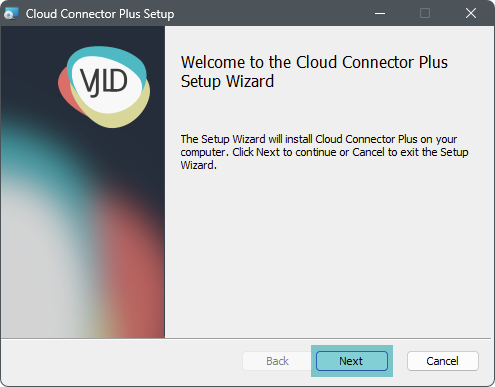
Installation wizard
First you will see the wizard welcome window, press "Next" to continue
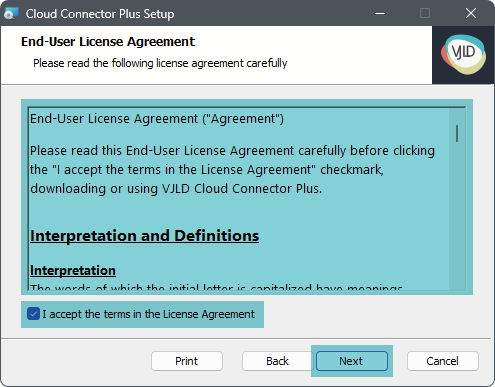
Read carefully the end user agreement and accept it to continue
Keep default installation path or customize it

Now you are ready to install Cloud Connector Plus

Installation is complete

Installer automatically placing a shortcut on desktop to the backend

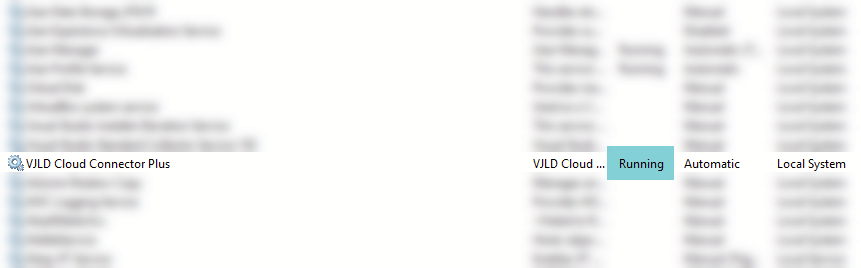
Service
Verify that the service is running
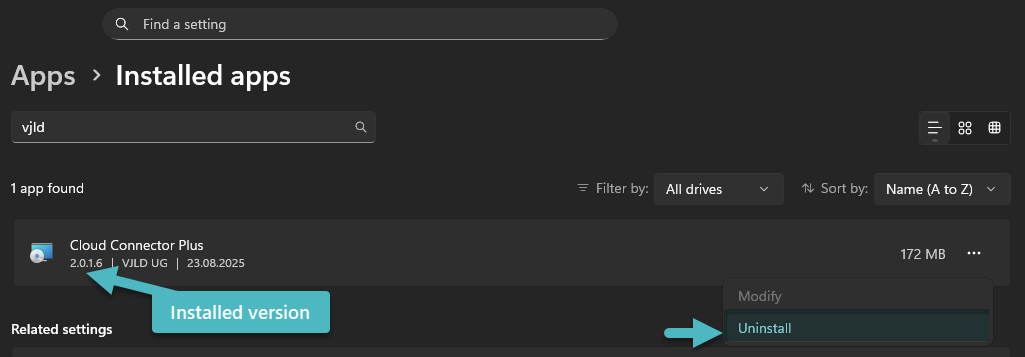
Uninstall
You can uninstall Cloud Connector Plus at any time
Setup Wizard
Backend
Service
Please check if Cloud Connector Plus service is running. Maybe you've to assign different user to delegate more privileges.
Access
You can access backend by using your prefered browser navigation to localhost and default port 8018.
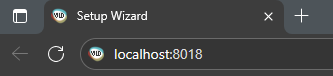
You can access the backend by running shortcut on your desktop

Wizard
Welcome
First page should show you a welcome message

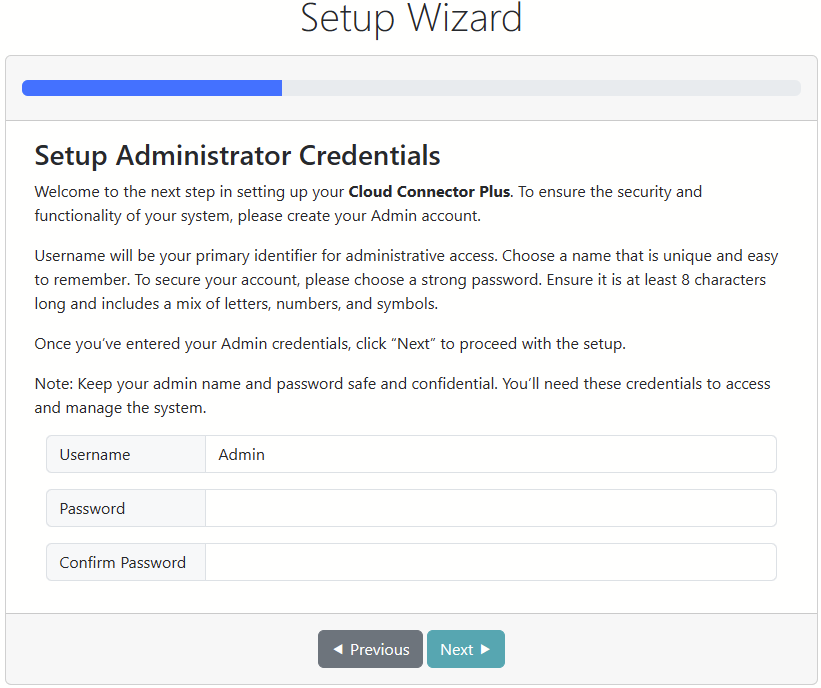
Administrator Account
Next page will guide you to create an administrator account. Please enter account name and password
Create first API key
Define your first API key
- Name - Provide unique name
- Description - Your individual description for this API key
- API Key - Will be generated automatically

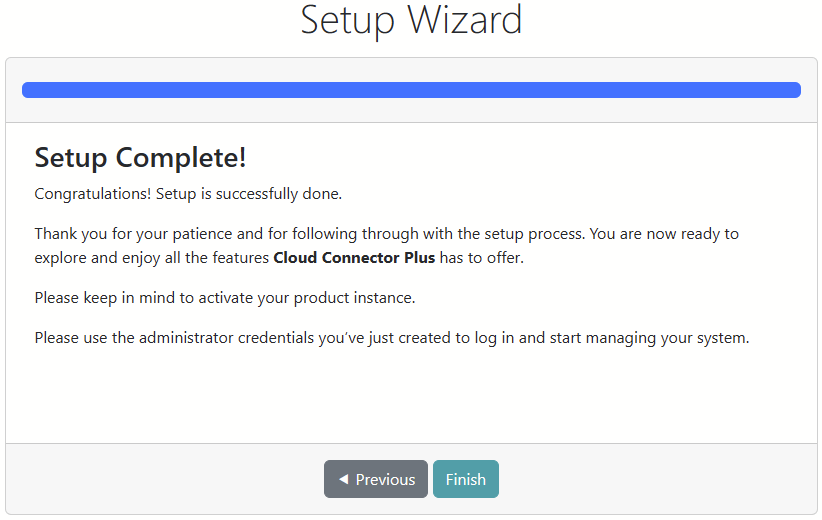
Finish
Finalize the setup and keep in mind to activate the product, also when you want to use the trial version
Login
Enter your administrator account
